


Industry 26 Top SEO Tools For Small Business In 2026


Jan 29, 2026

 10 min
Beginner SEO
Small businesses in 2026 don’t need more tools. They need the right ones.
With Google rolling out frequent updates and AI-driven search reshaping rankings, assuming no longer works. According to recent studies, over 60% of small businesses struggle to choose SEO tools that actually drive results.
The right SEO stack can help you rank faster, identify site issues early, and compete with larger brands without exceeding your budget.
However, with hundreds of platforms claiming to be “all-in-one,” selecting the best fit becomes confusing quickly.
So how do you know which tools are worth your time and money? This guide breaks down 26 SEO tools built for small businesses in 2026, focusing on what truly moves the needle.
Let’s get in!
What Is An SEO Tool And How Is It Useful?
An SEO tool is software that helps businesses understand how their website appears in search engines and what steps can be taken to improve that visibility.
However, it is useful for SEO agency because it analyzes search intent, user behavior, site performance, content quality, and competitor movement, all in one place.
Moreover, search engines now prioritize relevance, page experience, and trust signals. SEO tools help break down these complex factors into clear insights. They show which pages attract traffic, which keywords drive real clicks, and where technical issues may be holding a site back.
In simple terms, SEO tools don’t replace strategy or effort. They support them. When used correctly, they help businesses save time, avoid costly mistakes, and grow visibility in a competitive search.
Benefits Of SEO Tools For Small Businesses
Small businesses often work with limited time, budget, and resources. SEO tools help make every effort count by focusing attention where it matters most.
Here’s how they help in practical ways:
1. Clear Direction Instead of Guessing
SEO tools show what’s working and what’s not, which helps small teams avoid wasting time on changes that don’t impact rankings or traffic.
2. Better Use of Limited Budgets
By identifying high-impact keywords and pages, businesses can focus on opportunities like SEO audit services that bring results without overspending on ads or unnecessary tools.
3. Time Savings Through Automation
Tasks like rank tracking, site checks, and performance monitoring run automatically. This frees up time for planning, content, and customer engagement.
4. Early Problem Detection
SEO tools flag issues like broken pages, slow load times, or ranking drops before they hurt traffic. Fixing problems early protects visibility.
5. Competitive Awareness
Understanding how competitors rank, what content performs well, and where gaps exist helps small businesses compete smarter, not harder.
6. Consistent Growth Tracking
Instead of guessing progress, SEO tools show steady improvements through reports, trends, and historical data.
26 Top SEO Tools For Small Business
The right SEO software helps you track rankings, fix issues, and grow visibility without guesswork.
Below is a curated list of 26 top SEO tools that teams of all sizes can use to level up their organic presence:
| Tool | Best For | Starting Price> | Key Benefit |
| Semrush | All-in-one SEO | $139.95/mo | Deep keyword, competitor & content data |
| Ahrefs | Backlink & keyword research | $99/mo | Accurate data & strong content tools |
| Moz Pro | Beginner SEO | $99/mo | Easy to use with strong SEO fundamentals |
| SE Ranking | Affordable all-rounder | $55/mo | Great value for small teams |
| Mangools | Keyword research | $29.90/mo | Simple and beginner-friendly tools |
| Ubersuggest | Budget SEO | $12/mo | Low-cost and functional SEO features |
| Google Search Console | Webmaster data | Free | Direct Google performance insights |
| Google Analytics 4 | User behavior tracking | Free | Tracks traffic, engagement & conversions |
| Google Keyword Planner | Keyword ideas | Free | Free search volume and keyword data |
| Yoast SEO | WordPress on-page SEO | Free / Premium | Simple on-page optimization guidance |
| Screaming Frog SEO Spider | Technical SEO | Free / $259/yr | Deep site crawling and audits |
| AnswerThePublic | Content ideas | Free | Question-based keyword themes |
| BuzzSumo | Content research | $99/mo | Trending content & engagement insights |
| SEO PowerSuite | Desktop all-in-one SEO | Free / $259/yr | Unlimited keyword tracking & audits |
| SpyFu | Competitor research | $39/mo | Affordable competitor keyword data |
| Serpstat | Growing SEO platform | $50/mo | Balanced and versatile SEO toolkit |
| Majestic | Backlink analysis | $42/mo | Detailed link intelligence |
| BrightLocal | Local SEO | $20/mo | Local rank and citation tracking |
| Whitespark | Local citations | $25/mo | Local citation building tools |
| Nightwatch | Rank tracking | $39/mo | Clean and accurate rank monitoring |
| Keywords Everywhere | Browser keyword data | $10/mo | Quick keyword insights in-browser |
| GTmetrix | Speed analysis | Free | Website performance and loading data |
| SEOquake | SEO browser extension | Free | Quick on-page SEO diagnostics |
| Rank Math | WordPress SEO | Free / Premium | Lightweight SEO plugin with automation |
| Sitechecker | Site health monitoring | $39/mo | Easy audits with clear suggestions |
| DeepCrawl | Enterprise SEO audits | Contact | Full-scale technical site analysis |
1. Semrush
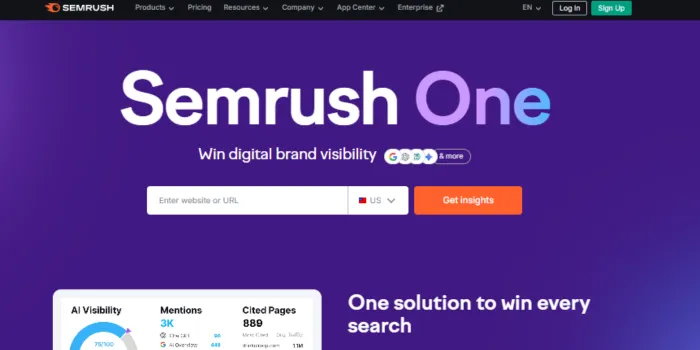
Best For: Comprehensive SEO & marketing analysis.
Features: Keyword research, site audits, competitor insights, backlink tracking, content optimization, local SEO.
Pricing: Starts ~$139.95/mo.
Why Small Businesses Use It: Semrush provides deep keyword data, competitor research, and technical audits all in one platform. It also supports content planning and local SEO, making it an all-around choice for growing teams and AI SEO services.
Pros
- All-in-one suite with keyword, competitive, and content tools
- Powerful reporting and project tracking
- Strong community and certification resources
Cons
- The price may feel steep for early startups
- Feature breadth can be overwhelming at first
2. Ahrefs
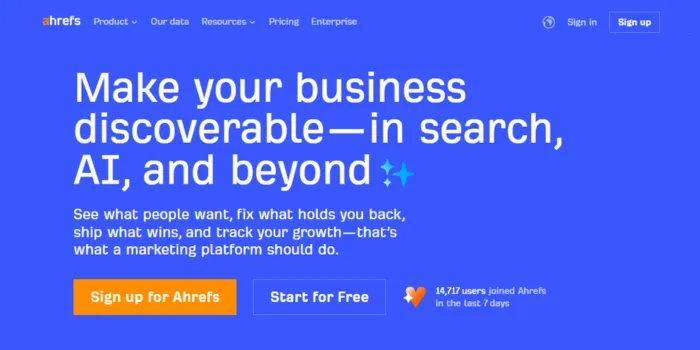
Best For: Backlink analysis & competitive research.
Features: Site Explorer, Keywords Explorer, Content Explorer, rank tracking.
Pricing: Starts ~$99/mo.
Why It Matters: Ahrefs is known for a robust backlink database and clean keyword research tools. It’s often used by content teams and SEO specialists who need accurate link and competitive data.
Pros
- Excellent backlink database
- Clear competitor insights
- Strong keyword analysis
Cons
- Fewer beginner-oriented tutorials
- Pricing increases with data usage
3. Moz Pro
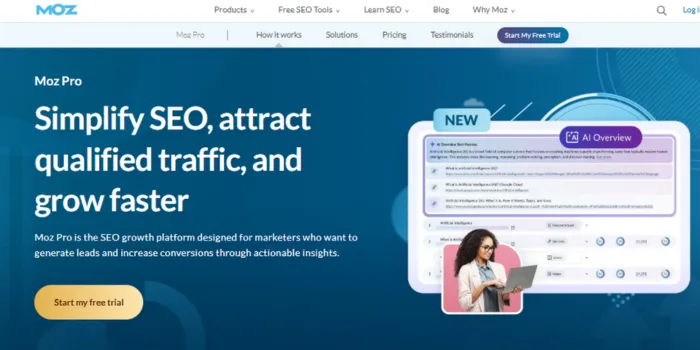
Best For: Beginners and small teams.
Features: Keyword tracking, site audits, link research, on-page recommendations.
Pricing: Starts ~$99/mo.
Why It Matters: Moz Pro combines easy usability with credible SEO metrics like Domain Authority. It helps small teams adopt SEO best practices without heavy training.
Pros
- User-friendly interface
- Helpful educational content
- Good local SEO tools
Cons
- Backlink data is smaller than the bigger platforms
- Not ideal for very complex audits
4. SE Ranking
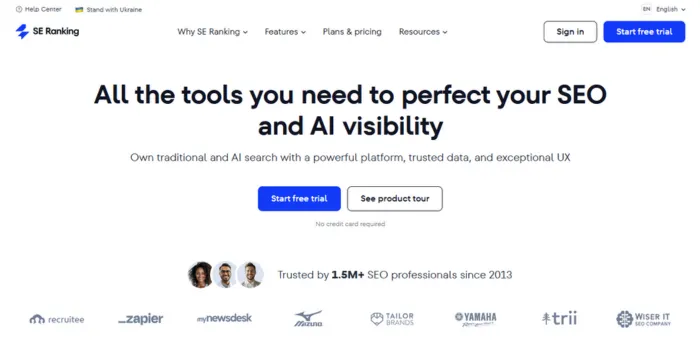
Best For: Value-oriented SEO suite.
Features: Rank tracking, site audits, keyword research, competitor analysis.
Pricing: ~$39–$55/mo.
Why It Matters: SE Ranking is a smaller-budget but capable all-around SEO platform. It’s been praised for accuracy and ease, especially for teams balancing cost with core SEO needs.
Pros
- Affordable pricing
- White-label reports
- Clear rank tracking
Cons
- Smaller keyword database
- Fewer advanced tools
5. Mangools
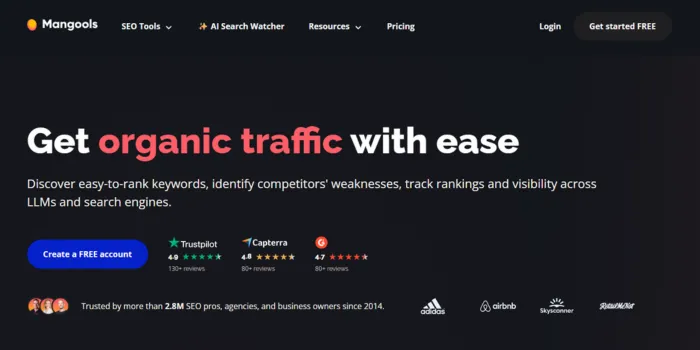
Best For: Beginner keyword research.
Features: KWFinder, SERPChecker, LinkMiner, SiteProfiler.
Pricing: Starts ~$29.90/mo.
Why It Matters: Mangools is great for small businesses that want simple keyword research without complexity. The interface is clean and approachable.
Pros
- Easy to use for beginners
- Good value
- Useful SERP metrics
Cons
- Limited advanced optimization tools
- Smaller database
6. Ubersuggest
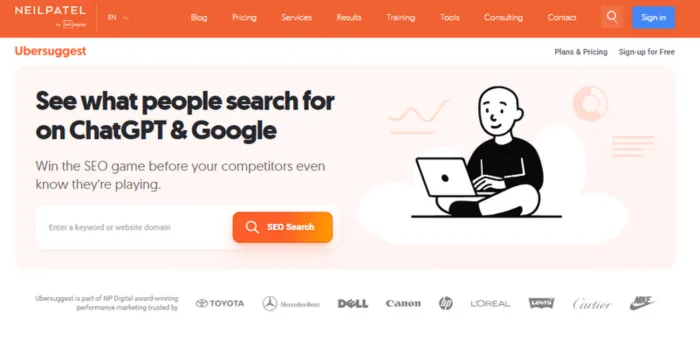
Best For: Budget-friendly SEO.
Features: Keyword suggestions, site audits, competitor analysis.
Pricing: ~$12/mo.
Why It Matters: Ubersuggest gives affordable insight into rankings and keywords. It’s ideal for solo owners or budget-conscious teams.
Pros
- Very affordable
- Easy insights for beginners
- Free tier available
Cons
- Data not as deep or fresh as premium tools
- Some users find the keyword difficulty data.
7. Google Search Console
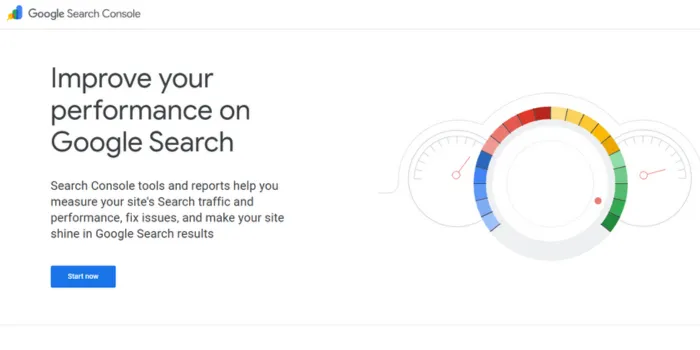
Best For: Direct Google performance data.
Features: Indexing reports, query data, crawl errors.
Pricing: Free.
Why It Matters: Any SEO stack should include Search Console. It gives direct visibility into how Google views your site, what queries you rank for, and where errors exist.
Pros
- Free and highly reliable
- Essential indexing insights
- Direct search data
Cons
- No competitor data
- Limited reporting depth
8. Google Analytics 4
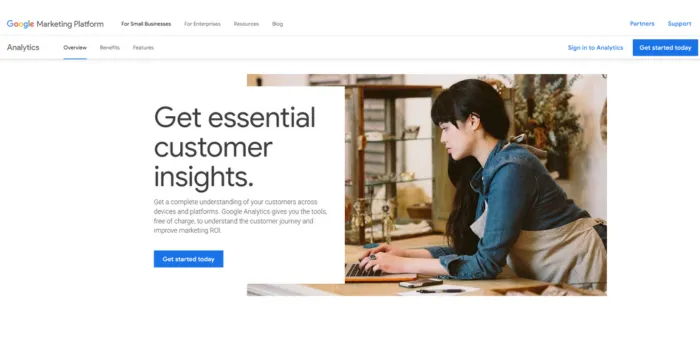
Best For: Traffic & behavior analysis
Features: User engagement tracking, conversion paths, and custom insights.
Pricing: Free.
Why It Matters: GA4 ties SEO outcomes to user behavior and conversions. It shows whether traffic gains are meaningful.
Pros
- Tracks performance end-to-end
- Free and robust
Cons
- Steeper learning curve
- Less SEO-specific than dedicated tools
9. Google Keyword Planner
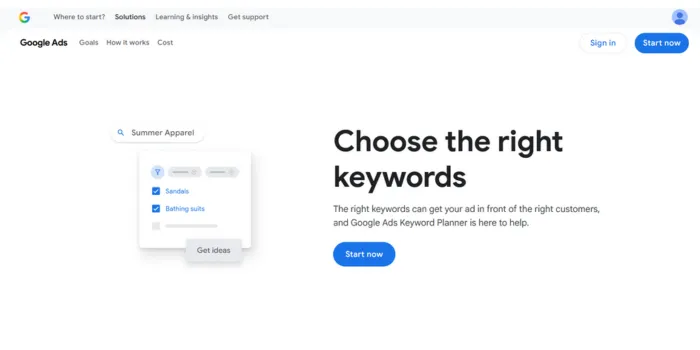
Best For: Keyword discovery from search data
Features: Keyword ideas, search volumes, competition estimates.
Pricing: Free with a Google Ads account.
Why It Matters: Useful for foundational keyword research , especially for local or niche terms.
Pros
- Free and accurate
- High-quality search data
Cons
- Limited SEO features beyond keywords
10. Yoast SEO
Best For: WordPress on-page SEO.
Features: Content analysis, structured data, XML sitemaps.
Pricing: Free / ~$99 per year.
Why It Matters:Yoast helps WordPress users optimize content for search without manual checks.
Pros
- Easy on-page suggestions
- Great for content editors
Cons
- Limited beyond WordPress
11. Screaming Frog SEO Spider
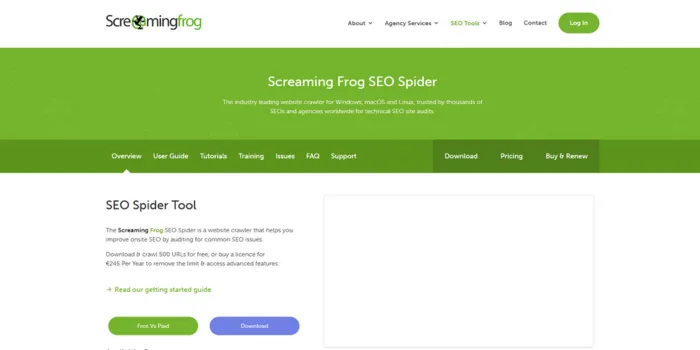
Best For: Technical site audits.
Features: Crawl analysis, broken link detection, and duplicate content reports.
Pricing: Free up to 500 URLs / ~$259/year
Why It Matters: Screaming Frog uncovers technical issues that hurt rankings.
Pros
- Deep technical data
- Desktop tool
Cons
- Technical for beginners
12. AnswerThePublic
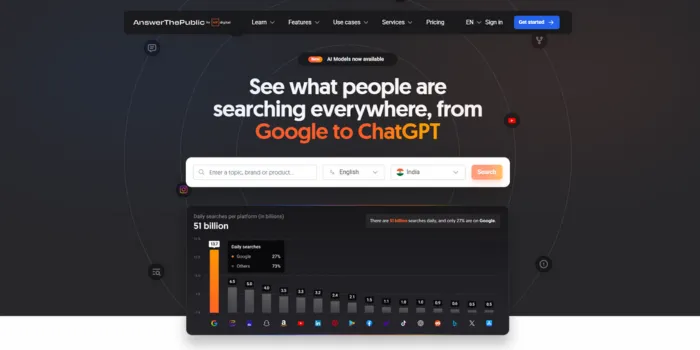
Best For: Content ideation.
Features: Question-based keyword visualization.
Pricing: Free / Paid.
Why It Matters: AnswerThePublic is useful for planning content around actual user questions.
Pros
- Great idea generator
Cons
- No rank tracking
13. BuzzSumo
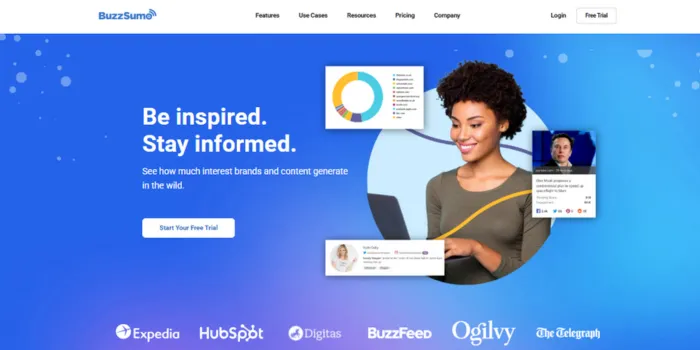
Best For: Content performance research.
Features: Trending topics, engagement metrics.
Pricing: ~$99/mo.
Why It Matters: BuzzSumo helps discover what content resonates before you write or optimize.
Pros
- Strong content insights
Cons
- High cost
14. SEO PowerSuite
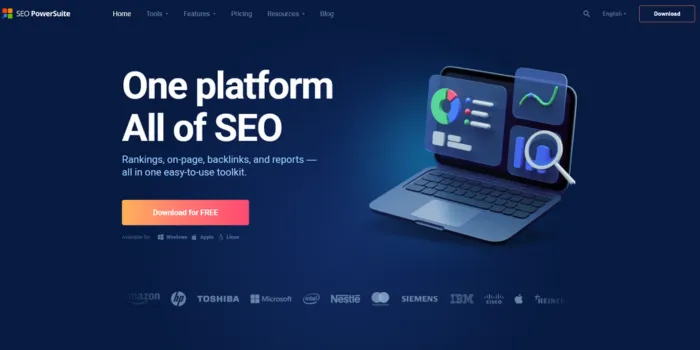
Best For: Desktop all-in-one SEO.
Features: Rank tracking, audits, backlink tools.
Pricing: Free / ~$299 per year.
Why It Matters: SEO PowerSuit combines multiple tools in one offline package.
Pros
- Unlimited usage
Cons
- Dated UI
15. SpyFu
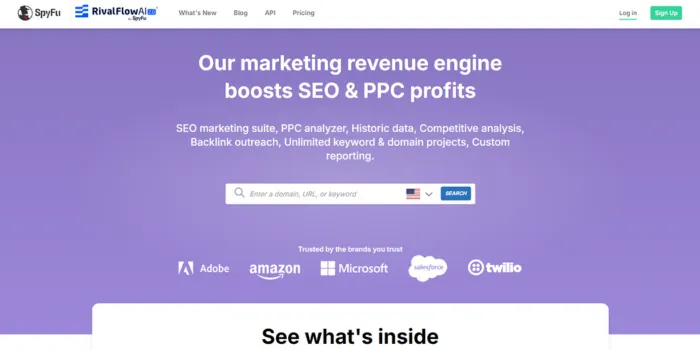
Best For: Competitor keyword spying.
Features: SEO & PPC competitor research.
Pricing: ~$39/mo.
Why It Matters: SpyFu is great for spying on competitor keywords and ad strategies.
Pros
- Affordable
Cons
- Less comprehensive
16. Serpstat
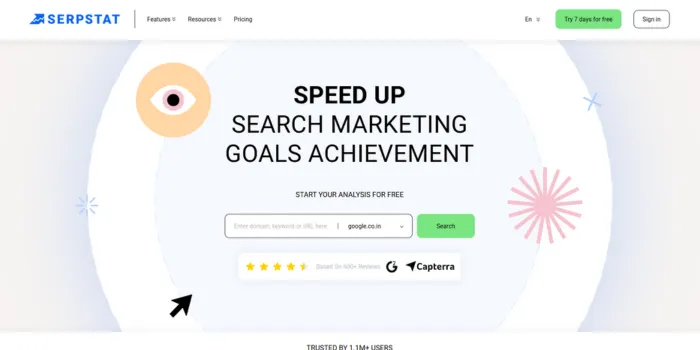
Best For: Growing SEO teams.
Features: Keyword research, audits, competitor analysis.
Pricing: ~$50/mo.
Why It Matters: Serpstat has balanced features for small to mid-sized teams.
Pros
- Full SEO suite
Cons
- Some tools lack depth
17. Majestic
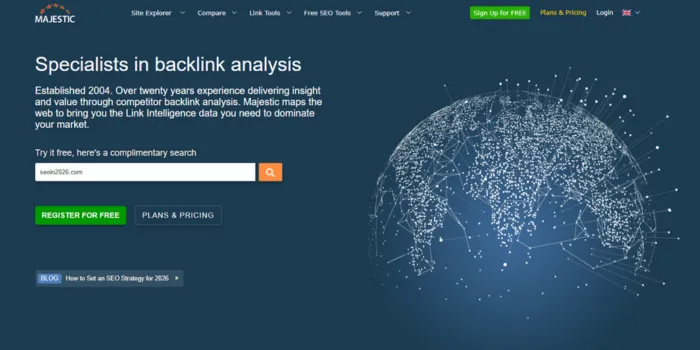
Best For: Backlink analysis.
Features: Link history, trust metrics.
Pricing: ~$42/mo.
Why It Matters: Majestic focused link intelligence.
Pros
- Excellent backlink data
Cons
- No keyword tools
18. BrightLocal
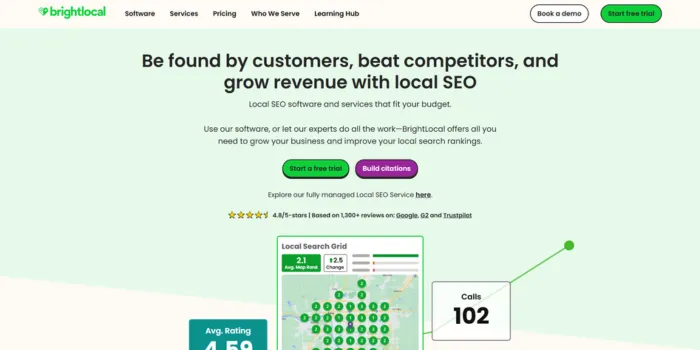
Best For: Local SEO.
Features: Local rank tracking, citation audits.
Pricing: ~$20/mo.
Why It Matters: BrightLocal is essential for local businesses to optimize map and local listings.
Pros
- Affordable
Cons
- Limited global SEO
19. Whitespark
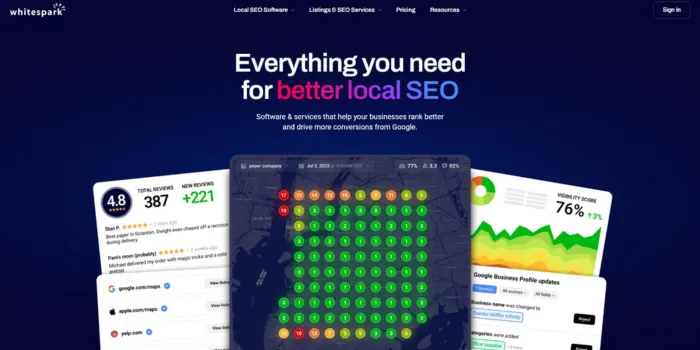
Best For: Local citations.
Features: Citation building and tracking.
Pricing: ~$25/mo.
Why It Matters: Whitespark helps improve the local authority.
Pros
- Strong citation database
Cons
- Narrow focus
20. Nightwatch
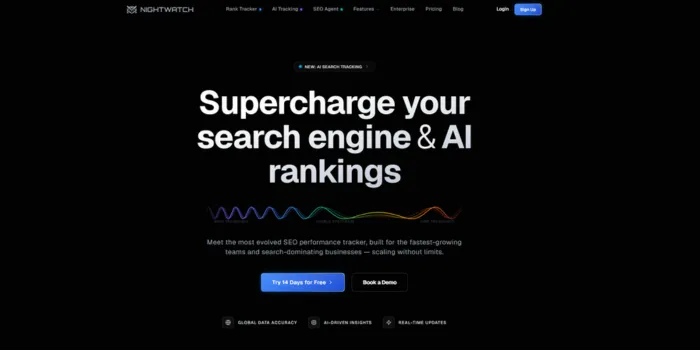
Best For: Rank tracking.
Features: Keyword monitoring, alerts.
Pricing: ~$39/mo.
Why It Matters: Nightwatch offers easy rank monitoring with simple dashboards.
Pros
- Intuitive analytics
Cons
- Limited features
21. Keywords Everywhere
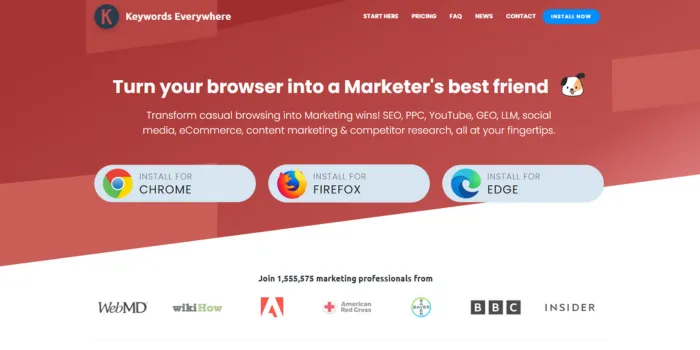
Best For: Quick keyword insights.
Features: Browser keyword data.
Pricing: ~$10/mo.
Why It Matters: Keywords Everywhere is fast keyword metrics while browsing.
Pros
- Fast insights
Cons
- Keyword-only
22. GTmetrix
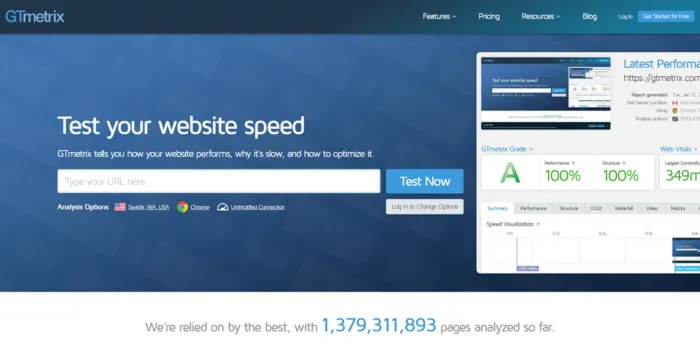
Best For: Page speed analysis.
Features: Performance scores, load times.
Pricing: Free.
Why It Matters: GTmetrix speed affects rankings and user experience.
Pros
- Free insights
Cons
- Not full SEO
23. SEOquake
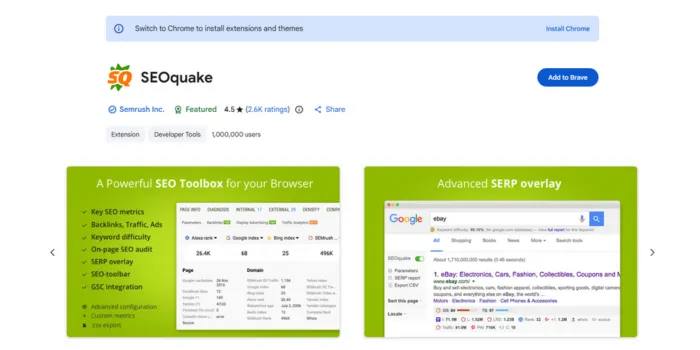
Best For: Quick on-page checks.
Features: Browser SEO metrics.
Pricing: Free.
Why It Matters: SEOquake easily checks for on-page issues.
Pros
- Free tool
Cons
- Limited depth
24. Rank Math
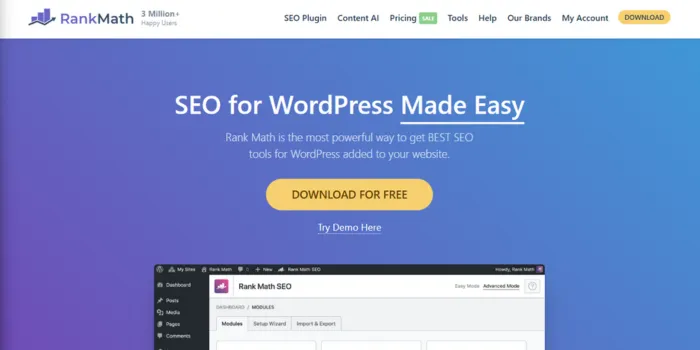
Best For: WordPress SEO.
Features: On-page SEO, schema, sitemaps.
Pricing: Free / Premium.
Why It Matters: Rank Math provides lightweight SEO support inside WordPress.
Pros
- Easy setup
Cons
- WordPress-only
25. Sitechecker
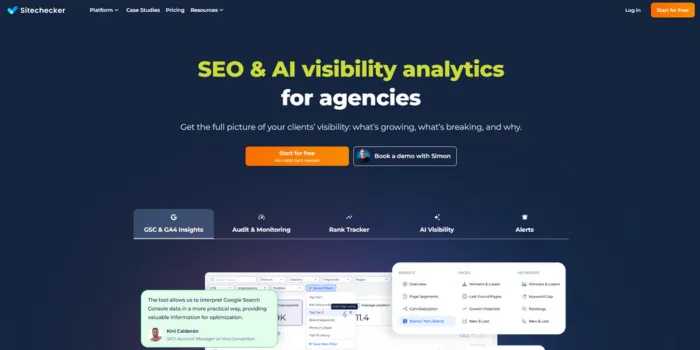
Best For: Site health monitoring.
Features: Site audits, page recommendations.
Pricing: ~$39/mo.
Why It Matters: Sitechecker offers easy health checks for small teams.
Pros
- Clear suggestions
Cons
- Less advanced
26. DeepCrawl
Best For: Enterprise SEO audits.
Features: Deep technical crawling.
Pricing: Contact sales.
Why It Matters: DeepCrawl is ideal for sites with complex architecture.
Pros
- Enterprise-grade insights
Cons
- Not budget-friendly
Small Business SEO Isn’t About More Tools. It’s About the Right Ones.
In 2026, small businesses win with SEO tools that save time, cut guesswork, and actually move rankings. From keyword tracking to site health, the right stack helps you compete without blowing your budget.
No clutter. No confusion. Just tools that work.
How To Choose SEO Tools for Your Needs?
When choosing the right SEO tool starts with understanding your goals, not chasing features. A tool should fit your workflow, not complicate it. Here are key points to consider:
Keep Ease of Use in Mind
A tool is only useful if your team can actually use it. Clean dashboards, clear explanations, and simple reporting matter more than advanced features you may never touch.
Check Data Accuracy and Updates
Reliable tools update frequently and reflect real search changes. Delayed or inconsistent data can lead to poor decisions.
Look for Integration Support
Tools that connect with Google Analytics and Google Search Console offer a fuller view of performance without jumping between platforms.
Consider Scalability
Choose a tool that grows with your business. Switching tools every year slows progress and wastes learning time.
Balance Cost With Value
Free tools can handle basics, but paid tools often save time and offer deeper insights. The goal is long-term value, not the lowest price.
The best SEO tool is one that fits your needs today and supports your goals tomorrow.
Some Alternatives To SEO Tools
SEO tools are helpful, but they aren’t the only path to improving search visibility. Some businesses prefer alternatives depending on budget, experience, or strategy.
Manual Research and Analysis
Studying search results directly, reviewing competitors, and analyzing user behavior through basic analytics can still provide useful insights. This approach takes more time but works for smaller sites
SEO Agencies or Consultants
Instead of managing tools internally, some businesses rely on experts to handle analysis and execution. This works well when internal resources are limited.
Content-First SEO
High-quality, user-focused content built around real customer questions can perform well even without heavy tool usage. Tools enhance this process, but strong content remains the foundation.
Customer Feedback and Behavior Data
Reviews, surveys, and support queries often reveal what users care about most. This insight helps shape content and messaging naturally.
Bottom Line
SEO tools in 2026 are less about dashboards and more about clarity, focus, and smart execution. They help businesses understand how search engines view their site and what actions truly make a difference.
For small businesses, SEO tools provide direction in a crowded digital space. They reduce guesswork, save time, and support steady growth when used with a clear plan. But tools alone don’t create success. Strategy, consistency, and quality still lead the way.
Therefore, when tools and strategy work together, SEO becomes less stressful and far more effective.
Still Guessing Which SEO Tools Will Work for Your Business?
At Saffron Edge ,we help small businesses choose SEO tools that match real goals, not hype. From rank tracking to content and local SEO, we break down what actually delivers growth in 2026.
Don’t just buy tools. Build an SEO system that grows with you.
Share


Rank in AI Overviews
FAQs
Do SEO tools work for all types of businesses?

Yes, SEO tools can support any business with an online presence, but the value depends on how they’re used. A local service business may rely more on local rankings and reviews, while an e-commerce brand may focus on product keywords and site performance. The key is choosing tools that match your business model and goals.
How long does it take to see results using SEO tools?
SEO tools show data immediately, but results from changes take time. Most businesses start noticing measurable improvements in traffic and rankings within three to six months, depending on competition and consistency.
Can SEO tools replace SEO experts?
No, SEO tools provide data and insights, but they don’t create strategy or make decisions. Experts interpret the data, prioritize actions, and adapt strategies based on real-world changes.
Are free SEO tools enough for small businesses?
Free tools can handle basic tasks like tracking performance or finding simple keywords. However, paid tools often save time and offer deeper insights that help businesses grow faster.
How often should SEO tools be used?
SEO tools should be reviewed regularly, and weekly checks work well for rankings and site health, while monthly reviews help track progress and adjust strategy.
Is using multiple SEO tools a good idea?
Using more than one tool can help cover gaps, but too many tools can create confusion. It’s better to use a small, focused set that works well together.

Shreya Debnath

Shreya Debnath is a dedicated marketing professional with expertise in digital strategy, content development and scaling with AI & Automation along with brand communication. She has worked with diverse teams to build impactful marketing campaigns, strengthen brand positioning, and enhance audience engagement across multiple channels. Her approach combines creativity with data-driven insights, allowing businesses to reach the right audiences and communicate their value effectively. She perfectly aligns sales and marketing together and makes sure everything works in sync. Outside of work, Shreya enjoys exploring new cities, diving into creative hobbies, and discovering unique stories through travel and local experiences.
Related Blogs
We explore and publish the latest & most underrated content before it becomes a trend.



6 min read
Email Marketing Automation Strategy: A Comprehensive Guide
By Praveen Kumar

Subscribe to Saffron Edge Newsletter!


Rank in AI Overviews